
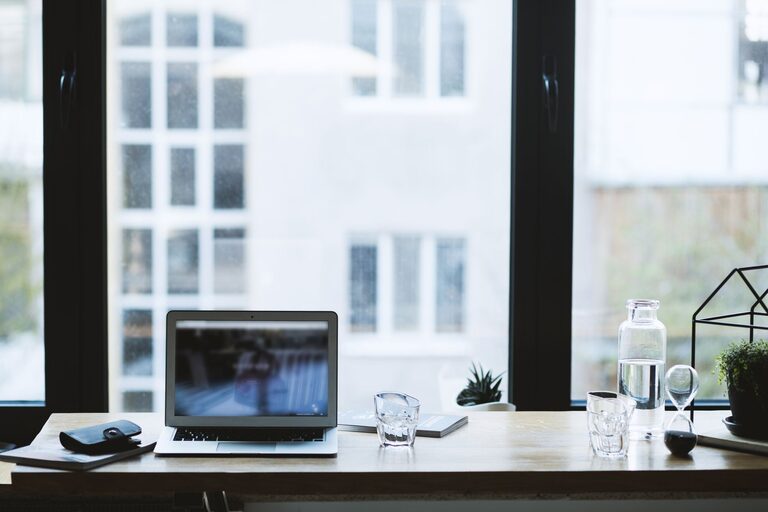
Creating a productive home office environment is essential for anyone working remotely or managing tasks from home. A well-designed workspace can help you stay focused, reduce distractions, and maintain a healthy work-life balance. Whether you have a dedicated room or just a small corner, there are many ways to optimize your home office environment. In this post, we will explore practical tips to help you create a productive and comfortable home office.
Choose the Right Location
The first step in setting up a productive home office is selecting the right spot. Ideally, choose a quiet area with minimal foot traffic where you can work comfortably without interruptions.
– Natural Light: Position your desk near a window if possible. Natural light improves mood and energy, helping you stay alert throughout the day.
– Away from Distractions: Avoid high-traffic areas or noisy parts of your home. A space away from the TV, kitchen, or family lounging areas can reduce distractions.
– Dedicated Space: Having a space that is used exclusively for work helps your mind associate the area with productivity.
Invest in Ergonomic Furniture
Comfort plays a significant role in maintaining productivity during long work hours. Invest in ergonomic furniture to support good posture and prevent discomfort.
– Ergonomic Chair: Choose a chair that supports your lower back and allows your feet to rest flat on the floor.
– Adjustable Desk: A desk that adjusts in height can help you switch between sitting and standing positions, promoting better circulation.
– Monitor Position: Your computer screen should be at eye level, about an arm’s length away, to reduce eye strain and neck pain.
Organize Your Workspace
A cluttered desk can lead to a cluttered mind. Keeping your workspace organized makes it easier to find what you need and maintain focus.
– Declutter Regularly: Remove unnecessary items and keep only essentials on your desk.
– Use Storage Solutions: Utilize shelves, drawers, and organizers to keep papers, office supplies, and gadgets neatly stored.
– Cable Management: Use cable clips or sleeves to keep wires out of the way and prevent tangling.
Optimize Lighting
Good lighting reduces eye strain and keeps you energized. Aim for a mix of natural and artificial light.
– Task Lighting: Use a desk lamp with adjustable brightness to illuminate your work area.
– Avoid Glare: Position your monitor perpendicular to windows to prevent glare on your screen.
– Use Warm or Neutral Light: Choose bulbs that provide warm or neutral white light as it’s easier on your eyes and simulates natural daylight.
Set Boundaries and Schedule Breaks
Maintaining boundaries between work and personal time is vital, especially when working from home.
– Define Work Hours: Set a clear start and end time for your workday to avoid burnout.
– Take Regular Breaks: Use techniques like the Pomodoro method—work for 25 minutes, then take a 5-minute break—to stay refreshed.
– Physical Movement: Stand, stretch, or walk during breaks to reduce stiffness and improve circulation.
Personalize Your Space
Adding personal touches can make your home office a place you enjoy spending time in.
– Incorporate Plants: Indoor plants improve air quality and create a calming atmosphere.
– Decorate with Art or Photos: Display artwork or photos that inspire and motivate you.
– Use Pleasant Colors: Choose colors for your walls or decor that boost your mood and creativity, such as soft blues or greens.
Minimize Distractions
Distractions can significantly hinder productivity, so consider strategies to keep them under control.
– Turn Off Notifications: Silence unnecessary notifications on your phone or computer during focused work sessions.
– Use Noise-Canceling Headphones: These can help block out background noise, especially in busy households.
– Communicate Your Schedule: If you share your home with family or roommates, let them know your work hours to reduce interruptions.
Keep Technology Updated
Having reliable technology eliminates frustration and keeps your workflow smooth.
– Regular Software Updates: Keep your operating system, applications, and antivirus software up to date.
– High-Speed Internet: Ensure your internet connection is fast and stable for video calls and online work.
– Backup Your Files: Use cloud storage or external drives to regularly back up important documents.
Maintain a Healthy Work-Life Balance
Balancing work and personal life contributes to your overall productivity and wellbeing.
– Separate Work and Leisure: Avoid working in bed or on the couch to maintain a boundary between work and relaxation.
– End of Day Ritual: Develop a routine to signal the end of your workday, such as shutting down your computer or taking a walk.
– Stay Connected: Include time for social interaction with colleagues or friends to prevent isolation.
—
In summary, creating a productive home office environment involves careful planning and attention to detail. By selecting the right location, investing in ergonomic furniture, organizing your workspace, optimizing lighting, and managing distractions, you can set up a space that supports your best work. Remember to personalize your area and maintain healthy routines to stay motivated and balanced while working from home. With these tips, you’ll be on your way to a more productive and enjoyable home office experience.